
Filter Transformation in IICS
Filter transformation is An Active and Connected Transformation.
Filter transformation filters out the data flow based on a specified condition.
Procedure:-
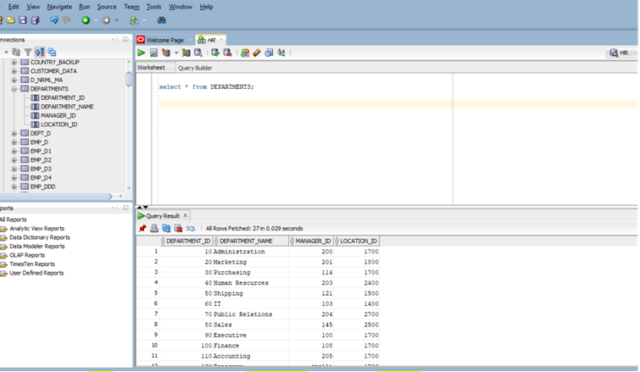
- Open SQL Developer and check the source Table Departments by giving the select Statement.
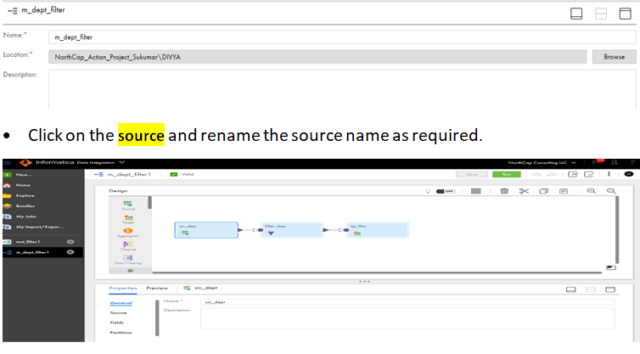
- Login to IICS and click on new mapping. Click on create to create new mapping and rename the mapping of your choice for example: m_dept_filter.
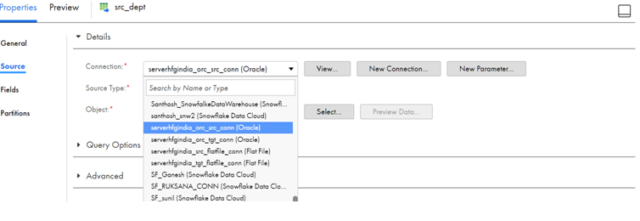
- In the properties go to source and configure the connections by selecting the required connection name.
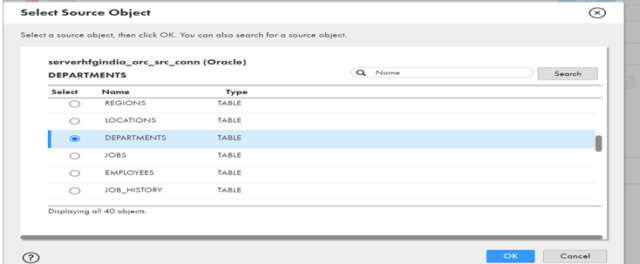
- In the Object select the source object and click on ok.
- In the source properties click on preview to preview the data.
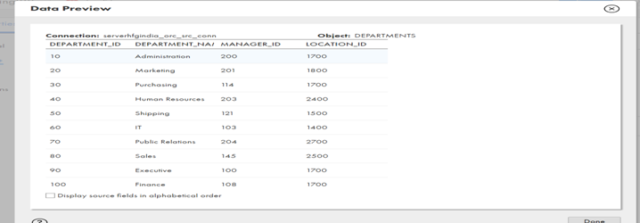
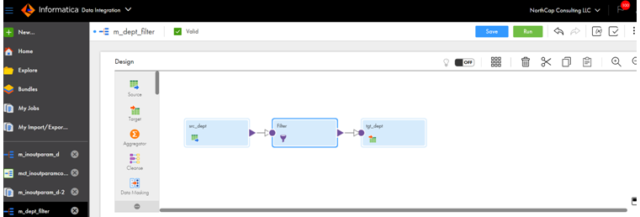
- Drag the filter transformation from the left side of design menu and select the transformation.
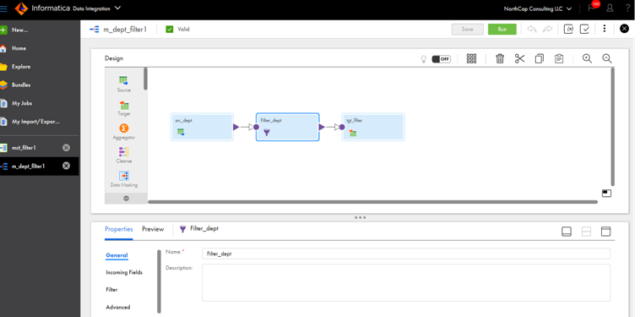
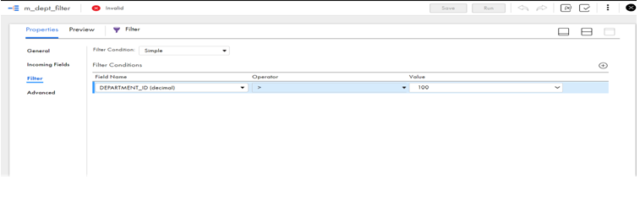
- Rename the filter transformation then click on the filter option give the required filter condition it will filter the data based on the condition.
- Click on the Target rename the target and in the properties click on the target and configure the target connections.
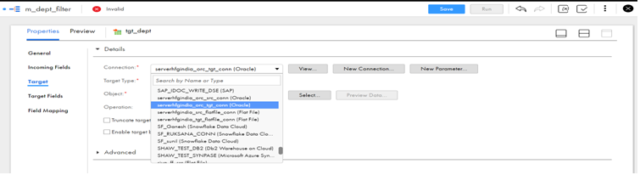
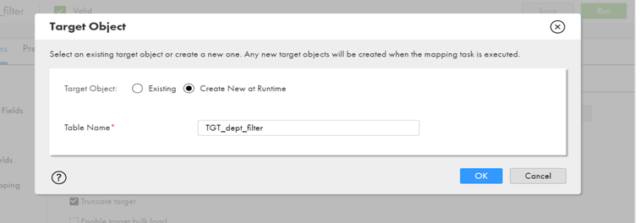
- To create the target at run time click on select and select the target object create new at runtime and give the target table name and click on ok.
- Click on save to save the mapping.
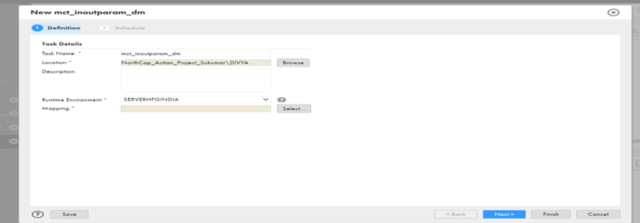
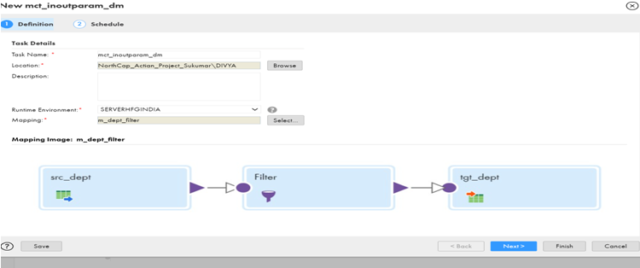
- Click on new to create the mapping task and give the proper task name and specify the Run time environment.
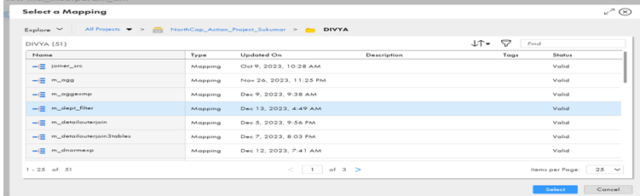
- Click on select and select the mapping from the mapping list as shown below.
Click on next and click on Finish.
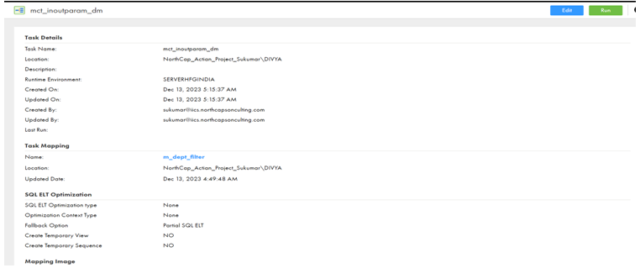
- Click on Run to run the mapping task.
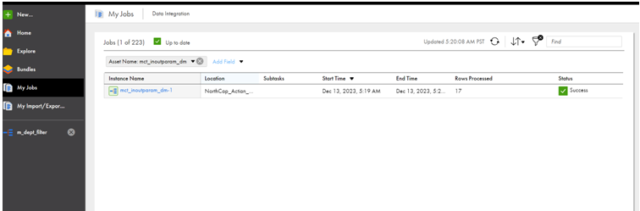
- Go to my jobs and check the status
- Check the output in Oracle Sql Developer HR database.
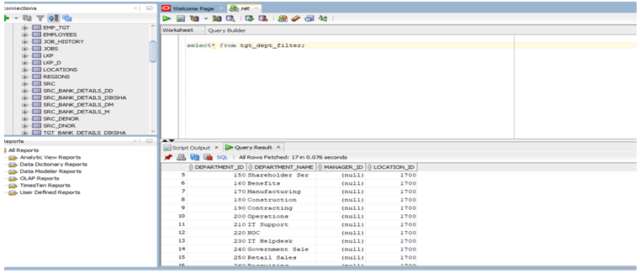
- We can see all the record with DEPT_ID>100 are loaded to the target table.